

A change order is a signed amendment you get before doing any out-of-scope work, not after. If a client asks for something beyond the original SOW, pause and get it in writing and signed. This protects your margins, gives you legal footing under UNCITRAL's e-signature standards, and tools like Stria can help automate much of the paperwork.
TL;DR:
- A signed change order must be obtained before starting any out-of-scope work to protect margins and ensure legal enforceability.
- The process involves requesting, assessing impact, approving within a set timeframe, and logging each change to control scope creep effectively.
- Contracts should clearly specify that no additional work proceeds without a signed change order and include a list of exclusions and approved signers.
- Pricing methods include rate card with uplift, fixed formula per deliverable, or short negotiation for unusual requests, with set thresholds for automatic acceptance.
- Electronic signatures are legally valid when clearly identifying the signer, and maintaining a detailed change order log is essential for dispute resolution.
Table of Contents
- What Is the Change Order Process, Step by Step?
- What Belongs in Your Change-Order Clause and SOW?
- How Should You Price a Change Order?
- Who Can Approve a Change Order, and Does an Email Count?
- How Do You Keep Records That Hold Up Later?
- What Should a Change Order Template Actually Include?
- How Do You Automate the Change Order Process?
- Why Signed Change Orders Change the Client Relationship
- Try Stria for Your Next Fixed-Price Project
- Sources
- FAQ
What Is the Change Order Process, Step by Step?
The change order process breaks into four moves: capture the request, assess its impact, get it approved, then execute and log it. Skip a step and you're the one absorbing the risk.
- Capture. Ask clients to forward requests by email, or use a short intake form with a standard subject line like "CO Request: [project name]." Don't rely on Slack messages or verbal asks. You need a paper trail.
- Assess impact. Estimate the fee, the timeline effect, and what "done" looks like. Note any dependencies (does this delay other deliverables?).
- Approve. Reply with a proposal within a set window (five business days is reasonable). Name who can actually approve it. No work starts until that signature lands.
- Execute and log. Attach the signed CO to the original SOW, update your change order log, and adjust milestones or invoices accordingly.
This four-step model mirrors what contract-management practitioners recommend for controlling scope creep: initiation, impact assessment, approval, execution.
Pro Tip: Build a canned email response for "sure, I can do that, here's the CO" moments. Clients rarely push back on a fast, professional reply; they push back on silence followed by a surprise invoice.
What Belongs in Your Change-Order Clause and SOW?
Your SOW should make scope creep hard to start by accident. That means writing down what's excluded just as clearly as what's included.
Freelancer contract guidance recommends a change-order clause requiring written, signed approval before any extra work begins, paired with an explicit "not included" list.
Your contract and SOW should cover:
- A clause stating that no additional work proceeds without a signed change order.
- A "not included" section listing common exclusions (extra revision rounds, new pages, rush turnarounds, source file handoffs).
- Named authorized approvers, plus which signature formats you'll accept (email confirmation, signed PDF, e-sign portal).
- Scope-freeze language for launch windows or final acceptance periods, when even small tweaks create outsized risk.
Naming approvers matters more than it sounds. It stops a junior stakeholder from casually agreeing to "just one more thing" that becomes your problem two weeks later, a point freelancer contract guides emphasize directly.
How Should You Price a Change Order?
Three pricing methods cover almost every situation you'll run into, and picking one before a request lands saves you from negotiating from scratch every time.
- Rate card plus uplift. Charge your standard hourly or project rate, then add a disruption premium, typically 10 to 25 percent, to account for context-switching and schedule disruption.
- Fixed-formula pricing. For predictable projects (a website with clearly priced page templates, say), tie the CO price to your existing per-deliverable cost from the SOW. One extra landing page costs exactly what the SOW says a landing page costs.
- Per-change negotiation. Reserve this for genuinely unusual requests that don't map to your rate card. Keep it short: propose a number, give a same-day deadline for a response, and move on.
- Auto-accept thresholds. Publish a rule that small admin changes under a set dollar amount (you decide the number) get invoiced automatically without a full approval cycle.
Pre-agreed pricing mechanisms make most change orders routine rather than a negotiation, because the client already knows the math before they ask.
Who Can Approve a Change Order, and Does an Email Count?
An email can absolutely count, as long as it demonstrates who sent it and that they meant to approve the change. That's the legal principle behind electronic signatures worldwide.
UNCITRAL's functional-equivalence guidance establishes that electronic signatures carry the same legal weight as ink ones when the method reliably identifies the signer and shows clear intent. A vague text that says "sure, go ahead" is weaker evidence than a reply that says "Approved: CO #14, $450, three additional business days."
Confirm your approvals hold up with this checklist:
- Name authorized signatories in the contract itself, not just informally. This avoids implied-modification disputes where nobody's sure who actually agreed to what.
- Prefer a signed PDF with visible signer identity, an explicit email reply referencing the CO number, or capture through an e-sign portal.
- Avoid proceeding on casual chat messages alone. Implied modifications carry real legal risk depending on jurisdiction and how your contract is worded.
- Store the approval somewhere it can't be edited after the fact.
How Do You Keep Records That Hold Up Later?
A change order log is your evidence file. Track the CO number, date, requester, who signed, the fee, and the timeline impact for every single change, no exceptions.
Attach each signed CO to the master SOW and keep a version history rather than editing the original document in place. Government procurement guidance treats this the same way: variations get drafted, approved in writing, formalized, and recorded through a defined process, and larger ones may warrant a second look from someone with legal or procurement experience.
- Log every CO number, date, requester, signer, fee, and timeline effect.
- Keep versioned SOWs instead of overwriting the original.
- Use tamper-evident exports or signed certificates. They carry more weight if a dispute ever reaches mediation or collections.
- Escalate early. Clean records shorten disputes; messy ones extend them.
Pro Tip: If a client disputes an invoice months later, the CO log is what settles it, not your memory of the Slack thread from March.
What Should a Change Order Template Actually Include?
A usable change order template needs specific fields, not vague prose. Here's what to fill in and roughly how to phrase it:
- CO number and reference SOW. "Change Order #7, referencing SOW dated January 12, 2026."
- Description of the change. "Add two additional homepage revision rounds beyond the three included in the original scope."
- Deliverables. "Two revised homepage comps, delivered as Figma files."
- Timeline impact. "Adds three business days to the current delivery schedule."
- Fee breakdown. "$450, calculated at your standard rate plus a 15 percent disruption uplift."
- Acceptance criteria. "Client approves final homepage direction in writing before development begins."
- Signatories and effective date. "Approved by [name, title], effective upon signature."
Lead with the fee and timeline impact when you send it. Clients approve faster when the cost and the schedule hit are both stated plainly, up front, instead of buried in the description.
How Do You Automate the Change Order Process?

Most of this workflow is repetitive enough to hand off to software. A simple automation pattern looks like this: the client's request comes in by forwarded email, it gets checked against your locked scope, a change order template auto-fills, you price and send it for e-signature, and the signed result lands in a versioned log automatically.
Some tools are built around exactly that pattern, checking incoming requests against your original SOW, flagging anything outside it, pricing the extra work against your own rate card, generating the change order, and collecting an email-verified signature stored as a tamper-evident record.
- Faster turnaround shrinks the window where clients expect free extra work.
- A consistent price on every CO removes room for per-request haggling.
- Versioned records mean you're never reconstructing history from memory during a dispute.
| What to monitor | Why it matters |
|---|---|
| CO turnaround time | Faster signing means less unpaid work in progress |
| Number of unsigned COs | A rising count signals a process gap, not client difficulty |
| Margin recovered per project | Shows whether the process is actually paying for itself |
Why Signed Change Orders Change the Client Relationship
Requiring a signature before extra work isn't about distrust. It sets a professional expectation from day one: additional requests are project decisions, not favors, and both sides confirm them in writing.
A simple script works better than an apology: "Happy to add that. Here's a quick change order with the fee and timeline, sign here and I'll get started." Clients respect the clarity more often than they resist it.
— Team Stria
Try Stria for Your Next Fixed-Price Project
Some platforms offer automation for this workflow: forwarding a client's request, checking it against your locked scope, pricing it against your own rate card, and sending it out for an email-verified signature, all without drafting documents by hand.
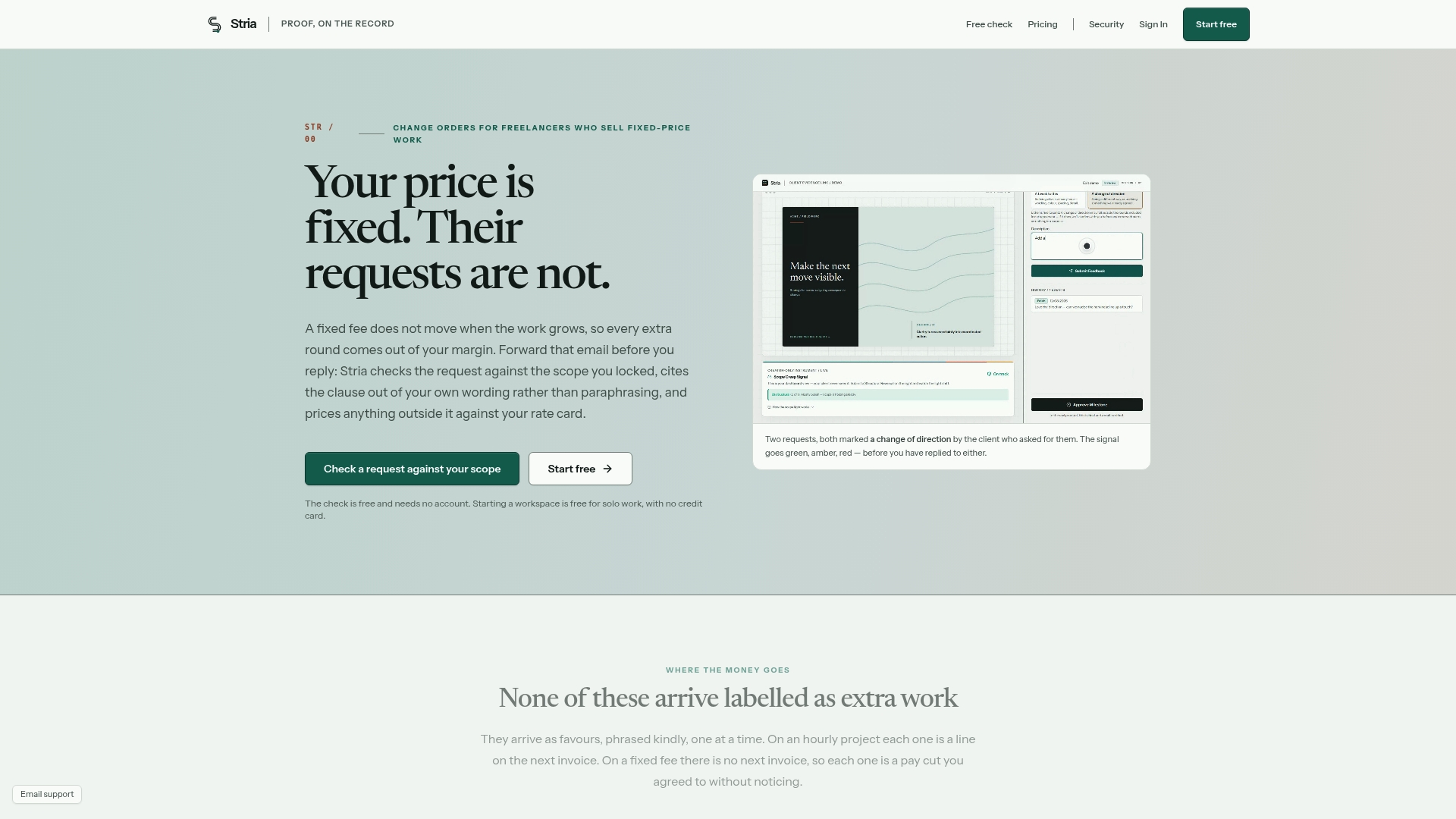
If you're tired of chasing signatures in email threads or eating the cost of "just one small thing," start with the free plan to see how the scope-checking works, or compare the Freelancer Solo, Freelancer Studio, and Freelancer Agency tiers on the pricing page to find the fit for your workload. Every plan gets you the same core promise: a change order that's priced, sent, and signed before you do another minute of unpaid work.
Sources
- UNCITRAL — Electronic Communications Convention
- PMI — Challenges with fixed-price contracts
- Department of Finance — Contract variations guidance
- Pact — Freelancer contracts: MSAs and SOWs explained
- Omnivoo — Change Orders: Control contractor scope creep
FAQ
Does a Client Email Count as Approval?
Yes, if it clearly identifies who sent it and states their intent to approve. UNCITRAL's functional-equivalence principle treats a clear email the same as a signature, but vague replies like "sounds good" are weaker evidence than an explicit approval referencing the CO number and fee.
How Fast Should You Respond to a Change Request?
Aim to send a priced proposal within five business days. Faster response times reduce the chance a client starts treating the extra work as already agreed to before you've priced it.
What If the Client Refuses to Sign a Change Order?
Pause the extra work until they do. Performing unpaid out-of-scope work erodes your margin and creates payment risk on fixed-price projects, so a refusal to sign is your signal to stop, not to proceed on good faith.
How Should Small Admin Changes Be Priced?
Set an auto-accept threshold for minor requests under a dollar amount you choose, and invoice those automatically without a full negotiation cycle. Anything above that threshold should still go through your standard rate-card-plus-uplift or fixed-formula pricing.
Can Stria Generate Change Orders Automatically?
Yes. Stria checks forwarded client requests against your locked scope, prices flagged work against your rate card, and generates a change order for email-verified signature, storing the signed record in a versioned log.