

The fastest way to get paid for extra client requests is a one-page change order that names the change, states the exact cost and timeline impact, and requires written approval before you touch the work. This single document turns a vague "can you also add..." into a signed, invoiceable agreement with a clear audit trail. Skip the written approval step and you're just doing free work with extra paperwork.
TL;DR:
- Sending a change order within 24 hours ensures requests are documented and billed before they become forgotten or bundled into ongoing project work.
- Including a line item for extra work and applying a 15 to 25 percent premium over your standard rate helps protect your profit margins when pricing scope creep.
- Using a simple one-page template with specific fields and referencing the number on invoices creates a clear audit trail that prevents disputes months later.
- Offering two pricing options for large requests can help clients stay within budget and maintain project momentum while safeguarding your fee.
- Automating change order generation through specialized software reduces time spent on manual drafting and ensures consistent, signed documentation for multiple clients.
Table of Contents
- What Goes in a Change Order Template
- How to Price Change Orders Fast and Defensibly
- When Should You Send a Change Order?
- Copy-Ready Change Order and Approval Email
- Why Change Orders Protect Your Revenue, Not Just Your Paperwork
- Let Software Catch What Manual Tracking Misses
- Sources
- FAQ
What Goes in a Change Order Template
A change order for fixed-price freelance work is not a legal contract rewrite. It's a short, dated record that says: here's what changed, here's what it costs, here's when it's due, and here's proof you both agreed to it. Keep it to one page. If it takes longer to read than the email that sparked it, you've overbuilt it.
Every solid change order needs the same core fields, whether you type it into an email or drop it into a PDF:
- Project reference — the project name and the date of your original agreement or SOW.
- Change description — one sentence, ideally in the client's own words ("Add a third homepage revision round" beats "additional design iteration").
- Cost — hours times your rate, or a flat fee, shown clearly, not buried in a paragraph.
- Timeline impact — either "+3 business days" or a new delivery date. Don't skip this even if the delay is small.
- Payment terms — how it gets billed: added as a line item to the next invoice, sent as a separate invoice, or folded into the next milestone payment.
- Approval line — a spot for "Approved" plus a name, date, and either an email reply or a signature.
Number each one (CO-001, CO-002, and so on) and reference project name, description, estimated hours or cost, timeline impact, new total, and approval signature on the invoice tied to it. That numbering is what makes a dispute six weeks later a five-minute lookup instead of a memory contest.
How to Price Change Orders Fast and Defensibly
Pricing extra work under pressure is where most freelancers lose money, either by underpricing to avoid an awkward conversation or by guessing a number that doesn't hold up when the client pushes back. Use rules, not vibes.
- Charge a premium for out-of-scope work. A 15 to 25 percent uplift over your standard rate accounts for the planning disruption a mid-project request causes, even when the task itself is simple.
- Set a minimum. A 2-hour or half-day minimum covers the admin overhead of scoping, writing, and tracking the change order, so a 20-minute favor doesn't turn into unpaid busywork spread across three emails.
- Quote fixed fees with a buffer. Estimate the hours, add 10 to 15 percent, then round to a clean number. $437.50 looks like a guess; $450 looks like a decision.
- Offer two pricing options when the ask is big. Give a full-scope price and a simplified alternative at roughly 40 to 60 percent of that cost. This keeps the project moving even when budget is tight.
- Add a rush fee when the timeline is compressed. If the client wants it fast, charge 25 to 50 percent extra. Speed has a cost, and that cost is yours to name.
Pro Tip: Two-option pricing works because it reframes the client's decision from "yes or no" to "which version," and that shift alone often preserves the sale while protecting your margin.
When Should You Send a Change Order?
Send it within 24 hours of the request. Waiting longer lets the ask blur into "just part of the project" in the client's mind, which makes the eventual invoice feel like a surprise instead of a formality.
- Use email for most clients. An in-email change order often gets a signed reply within hours, while a PDF attachment sits in someone's downloads folder for a week.
- Use a PDF for high-value or procurement-heavy clients. Larger companies with purchasing departments frequently expect a formal document they can route internally.
- Never start the work before you have written approval. A simple "approved, go ahead" email reply is enough for most freelance relationships unless your contract specifically requires a signature.
- Reference the CO number on your invoice. This is what builds the audit trail that protects you if a client questions a charge months later.
- Skip the formal process only for genuinely small tweaks. If the ask is under about 30 minutes, a quick documented email covering what was asked and done is enough. Anything bigger, or anything that might repeat, gets the full change order.
Your contract should already state that changes require written approval and cost extra. That clause is what makes this whole process feel routine to a client instead of confrontational.
Copy-Ready Change Order and Approval Email
Here's a template you can fill in and send in under five minutes.
One-page change order (5 to 8 lines):
- Project / CO number: [Project Name] — CO-001, referencing agreement dated [original SOW date]
- Change requested: [One sentence describing what the client asked for]
- Cost: [X hours] × [$rate] = [$total], or flat fee of [$total]
- Timeline impact: Adds [X days] to delivery, new date: [date]
- Payment terms: Added to next invoice as a line item / billed separately / applied to next milestone
- Approval: Reply "Approved" to this email, or sign below, by [date]
Fast-approval email version:
Subject: "Quick approval needed: [Project Name] change order"
Body: "Hi [Name], per our conversation, adding [change] will cost [$total] and push delivery to [date]. Reply 'approved' and I'll get started. Full breakdown attached if you need it for your records."
A worked example: 3 extra hours at your uplifted rate of $85/hour comes to $255. Add a 10 percent buffer for scope drift and round up to $280. That's your number, stated once, not negotiated live in a group chat.
Attach a PDF only when the client's process demands one. Otherwise, the inline email version is what gets signed fastest, because it removes every extra click between "I agree" and "approved."

Why Change Orders Protect Your Revenue, Not Just Your Paperwork
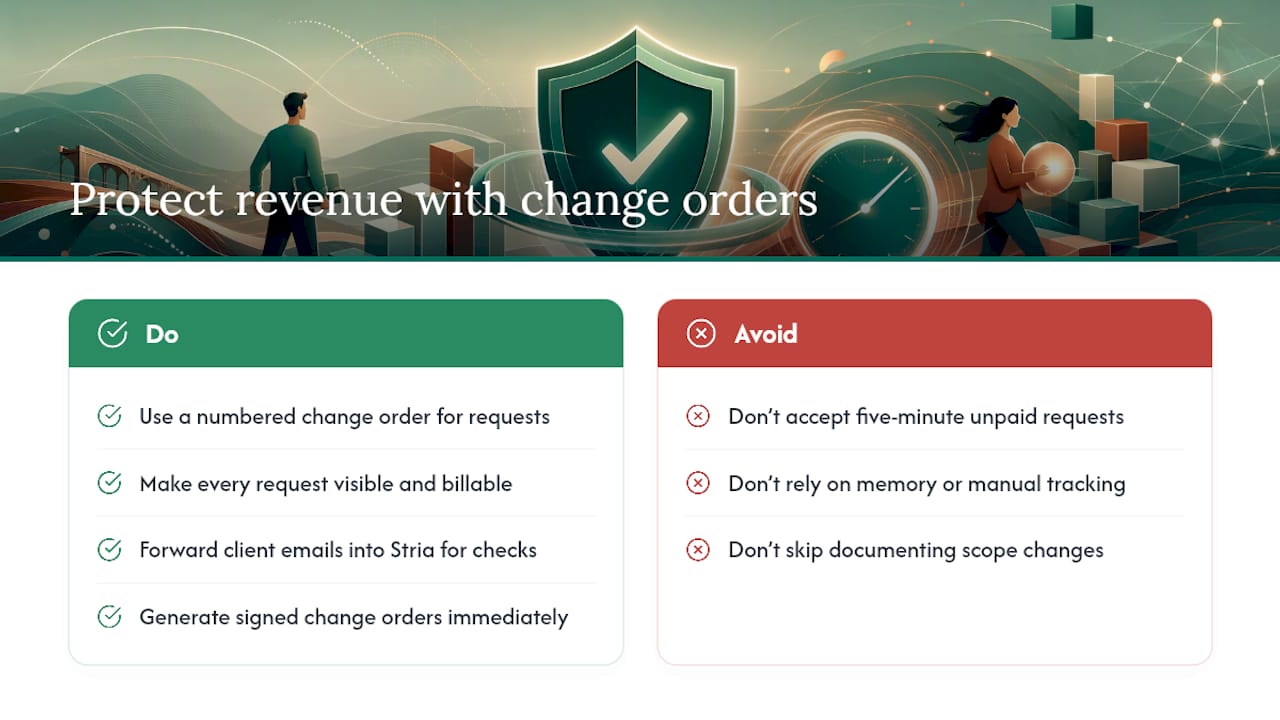
Scope creep has a public relations problem: it sounds like a minor inconvenience when really it's unpaid labor wearing a friendly disguise. Most freelancers don't lose money on big scope changes. They lose it in five-minute "can you just" requests that never get written down, priced, or billed.
The discipline of a numbered change order fixes that by making every request visible and billable the moment it happens. That's exactly the gap Stria is built to close, letting freelancers forward client emails and get an automatic check against the original scope instead of manually tracking every ask. It generates signed change orders without the back-and-forth, which means fewer requests slip through as unpaid extras and more of them turn into documented, invoiced work.
— Garrett
Let Software Catch What Manual Tracking Misses
Writing a change order for every request is the right habit, but habits break down when you're juggling five clients and a dozen half-remembered "quick asks" from last week. That's where automation earns its keep: it saves you the ten minutes of drafting each CO by hand, and it applies the same pricing logic every time instead of whatever number you can think of under deadline pressure.
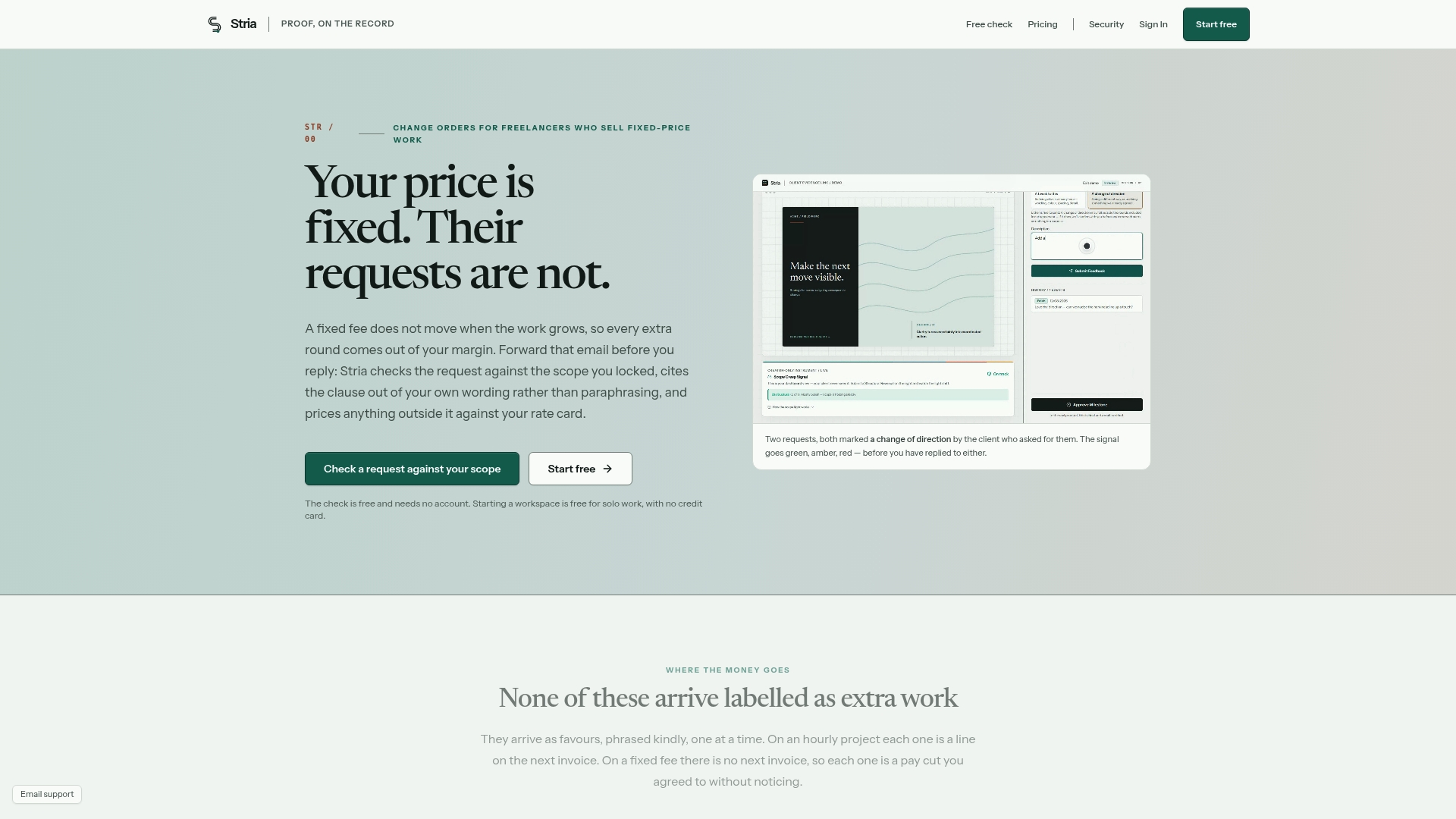
Some software is built specifically for this problem. You forward a client email, the software checks the request against your locked scope, prices it against your rate card, and generates a signed, tamper-evident change order automatically. For freelancers managing multiple clients on fixed-price work, such consistency can be crucial because the freelancers who lose the most money often struggle to write change orders manually.
Compare plan limits on the Stria pricing page to see which tier fits your client volume, or start with the free plan to see how automatic scope checks work on your next incoming request.
Sources
- How to Handle Scope Creep as a Freelancer — Scripts & Process | WhatShouldICharge
- Freelance Change Order Process: How to Charge for Scope Changes | Toggle Time Tracker
- The Change Order That Gets Extra Work Approved (and Paid) | Waco3
FAQ
What Is a Change Order in Freelance Work?
A change order is a short, written record of a scope change on a fixed-price project. It lists what changed, what it costs, how it affects the timeline, and includes a spot for the client's written approval.
What Fields Should a Change Order Form Include?
At minimum: project reference, description of the change, estimated hours or cost, timeline impact, new total, and an approval signature or reply. Number each one so you can reference it on invoices later.
How Much Should I Charge for Out-of-Scope Work?
Most freelancers charge a 15 to 25 percent premium over their standard rate, plus a minimum of around two hours to cover the admin time of documenting the change. Larger additions usually get a fixed fee with a 10 to 15 percent buffer built in.
Should I Send a Change Order as a PDF or an Email?
Email is faster for most freelance clients and tends to get signed within hours instead of sitting unread. Save the PDF format for higher-value clients or companies with a formal procurement process.
Does Stria Generate Change Orders Automatically?
Yes. Stria checks forwarded client requests against your locked project scope, prices approved changes against your rate card, and produces a signed, tamper-evident change order without manual drafting. Current plan pricing is listed on the Stria pricing page.