

A scope change template is a short, signed form that documents the request, the schedule and cost impact, funding, and approvals. It needs four minimum fields to work: requestor, description, impacts, and approvals. Copy the checklist below into Word, Excel, or Google Docs and you can start capturing changes on your next project today.
TL;DR:
- Change requests should be documented with specific, measurable descriptions, including clear schedule and cost impacts, and linked to the original scope of work.
- Approval must be obtained and signed before any extra work begins, with thresholds set for minor, standard, major, and emergency changes to streamline process handling.
- Keeping a detailed, signed record of all change requests, impact analyses, and communications is essential for resolving disputes and ensuring proper payment.
- Automating the process of generating signed change orders from client messages helps prevent scope creep and reduces unpaid work.
Table of Contents
- File formats and the fields to include
- How to process a change from request to approval
- Filling out each field without ambiguity
- Change categories and ready-to-use examples
- Linking every change back to the SOW
- Protecting your time and getting paid for it
- A sample filled request you can copy
- Why a signed template changes the client conversation
- Turn every scope change into a signed, paid agreement
- Sources
- FAQ
File formats and the fields to include
Pick the format that matches how you already work, not the one that looks fanciest. Word suits freelancers who send a document for a client to read and sign by hand. Excel or Google Sheets works better once you're tracking several changes across one project, since you can sort by status or date. A fillable PDF is the right call when a client needs to sign on a tablet or phone without editing anything else, and Google Docs is the easiest to share and comment on in real time.
Whatever format you pick, the fields matter more than the wrapper. Here's the compact checklist to build from, based on the sections PMI recommends for a functional change request:
- Requestor and date: who is asking and when, timestamped.
- Description: one sentence stating what changes.
- Reason: why the client or project needs it.
- Schedule impact: added days or a new deadline.
- Cost impact: a dollar figure or a range.
- Funding source: whose budget absorbs the change.
- Approval and signature: who signed off and when.
For larger projects, add optional fields: risk notes, linked deliverables, and space for attachments like screenshots or email threads that started the request. These extras rarely matter on a $500 logo tweak but they matter a lot on a six-figure engagement.
How to process a change from request to approval
A scope change template only earns its keep if you run it through the same steps every time. Skipping a step is how "just a quick add" turns into three unpaid weeks of work.
- Capture and timestamp the request the moment it arrives. Whether it comes by email, Slack, or a call you followed up in writing, log the date and the exact wording of the ask.
- Run a short impact analysis. Note what changes in deliverables, schedule, cost, and risk, and be honest about whether the change actually benefits the client or just adds noise.
- Estimate the cost and route it to the right approver. PMI recommends setting decision thresholds early, for example letting a project manager approve changes below a small cost or schedule impact threshold, while anything bigger goes to a sponsor or client decision-maker.
- Get a signature before any extra work starts. This is the step people skip under deadline pressure, and it's the one that costs the most later.
- Update the baseline and the scope change log. Once approved, the change becomes part of the record, not a footnote in your inbox.
Pro Tip: Keep a running scope change log, even a simple spreadsheet, so you can show a client the full pattern of add-ons if a dispute ever comes up.
Retention matters as much as the process itself. Keep signed forms, the original SOW, and the email thread that started each request in one folder per project. If a client questions an invoice six months later, you want to pull the paper trail in under a minute, not reconstruct it from memory.
Filling out each field without ambiguity
A change request form is only as strong as the sentences inside it. Vague language is where scope creep sneaks back in even after you've built the perfect template.
Write the request summary as one sentence with a verb and an object: "Add two rounds of homepage copy revisions beyond the contracted one round." Avoid summaries like "client wants some more edits," which give an approver nothing to evaluate.
State the business objective next to the request, not buried in a comment thread. If the client wants a new landing page variant, the objective might be "test a second offer to improve conversion," and the acceptance criteria should be measurable: page live by a set date, tested against the original for two weeks, or simply "approved by client sign-off."
- Schedule impact: state a specific new date, not "a few extra days."
- Cost impact: use a fixed price when scope is well understood, a range when it isn't.
- Funding source: name the specific budget line or confirm it's billed as new work outside the original contract.
- Approver identity: name the person, not the department.
- Sign-off language: something as direct as "Work will not begin until this form is signed by the approver listed above."
A scope change form typically includes sections for requestor details, change description, reason, timeline and budget impact, and a decision or signature block, which is the structural backbone every version of this template should keep.
Two pitfalls show up constantly. The first is recording a cost impact as "TBD" and letting work start anyway, which erases your leverage to collect later. The second is approving verbally and documenting after the fact, which turns your paper trail into a memory test if the client disputes the invoice.
Change categories and ready-to-use examples
Not every change deserves the same process. Sorting requests into categories tells you who needs to approve it and how fast you can move.
- Minor changes (under roughly $500 or a day of work): the freelancer or PM can approve directly. Example: "Client requests one additional round of copy edits on the About page. Impact: 2 hours, no schedule change, billed at hourly rate." Turnaround: same day.
- Standard changes (moderate cost or schedule shift): needs a named approver and a signed form. Example: "Add a blog template to the original 5-page site build. Impact: 3 additional days, $600 added cost, funded from client's marketing budget." Turnaround: 1 to 2 business days.
- Major changes (significant scope, budget, or timeline shift): needs sponsor or client-owner sign-off before any work starts. Example: "Expand app scope to include a native iOS build in addition to the web app. Impact: 4 additional weeks, $8,000 added cost, requires new funding approval." Turnaround: several days to a week.
- Emergency changes (urgent, often client-driven under deadline pressure): verbal approval can start work, but a signed form must follow within 24 to 48 hours. Example: "Client needs the checkout flow fixed before a launch event. Impact: same-day turnaround, cost billed at rush rate, formal sign-off to follow." Turnaround: immediate, with retroactive documentation.
Linking every change back to the SOW
A change request form means nothing if it floats free of the contract it's changing. The Scope of Work is the reference document your change has to point back to, and Atlassian's SOW guide lists the sections a solid SOW should already contain: project overview, objectives, detailed activities, exclusions, assumptions, a change control process, and sign-off.
When you write a change request, cite the specific clause or deliverable it modifies rather than describing the project in general terms. A minimal citation looks like this:
- Reference: "This request modifies Section 4, Deliverable 2 of the SOW dated [contract date]."
- Baseline update: note that the SOW itself gets revised, or that a separate amendment attaches to it.
- Equitable adjustment: if cost or schedule shifts, record the adjustment amount directly in the amendment.
For larger or government-adjacent contracts, formal amendment mechanisms exist for exactly this purpose. Federal contracting guidance uses Standard Form 30 as the official document for contract modifications, and requires a supplemental agreement when a change order isn't forward priced. Most freelance contracts don't need anything that formal, but the principle holds: the amendment becomes part of the record, not a side conversation.
Protecting your time and getting paid for it
The single best protection you have is refusing to start extra work before a signed amendment exists. Industry guidance on claim reduction recommends securing that signature at the moment the change is identified, not at the end of the project when memories and goodwill have both faded.
Set your own approval thresholds before you need them. A $200 tweak might get a quick reply-all approval, while anything touching your delivery date or your invoice total needs a form and a signature. Preserve evidence as you go: timestamp requests, keep the original email, and write acceptance criteria into every approval so there's no argument later about whether the work was actually done.

Pro Tip: Save every scope change conversation, even the casual ones, since a forwarded email chain is often the fastest evidence you'll ever need.
This is also where automation earns its place. Some platforms let you forward the client's email or message directly, check the request against your pre-established scope and rate card automatically, and generate a signed change order without you drafting a form from scratch.
A sample filled request you can copy
Here's a complete example using the minimum required fields, built for a website project where the client asked for an unplanned feature.
| Field | Entry |
|---|---|
| Requestor | Client (Maria T.), submitted by email |
| Date | March 3, 2026 |
| Description | Add a newsletter signup popup to the homepage |
| Reason | Client wants to grow email list ahead of product launch |
| Schedule impact | +2 business days |
| Cost impact | fixed price |
| Funding source | Client's marketing budget, billed as change order |
| Sign-off | "Work will not begin until signed by client" |
Reuse this structure directly. Swap the description and figures, and the phrasing around funding and sign-off stays exactly as strong.
Why a signed template changes the client conversation
A signed change request does something a hallway conversation never can: it turns a disagreement about money into a shared record both sides already agreed to. Once a client has approved a schedule and cost impact in writing, the conversation about the invoice stops being a negotiation and starts being a formality. That shift alone is worth building the habit around, long before any dispute ever happens. If you've been doing extra work on a handshake, start with the checklist above on your very next request.
— Team Stria
Turn every scope change into a signed, paid agreement
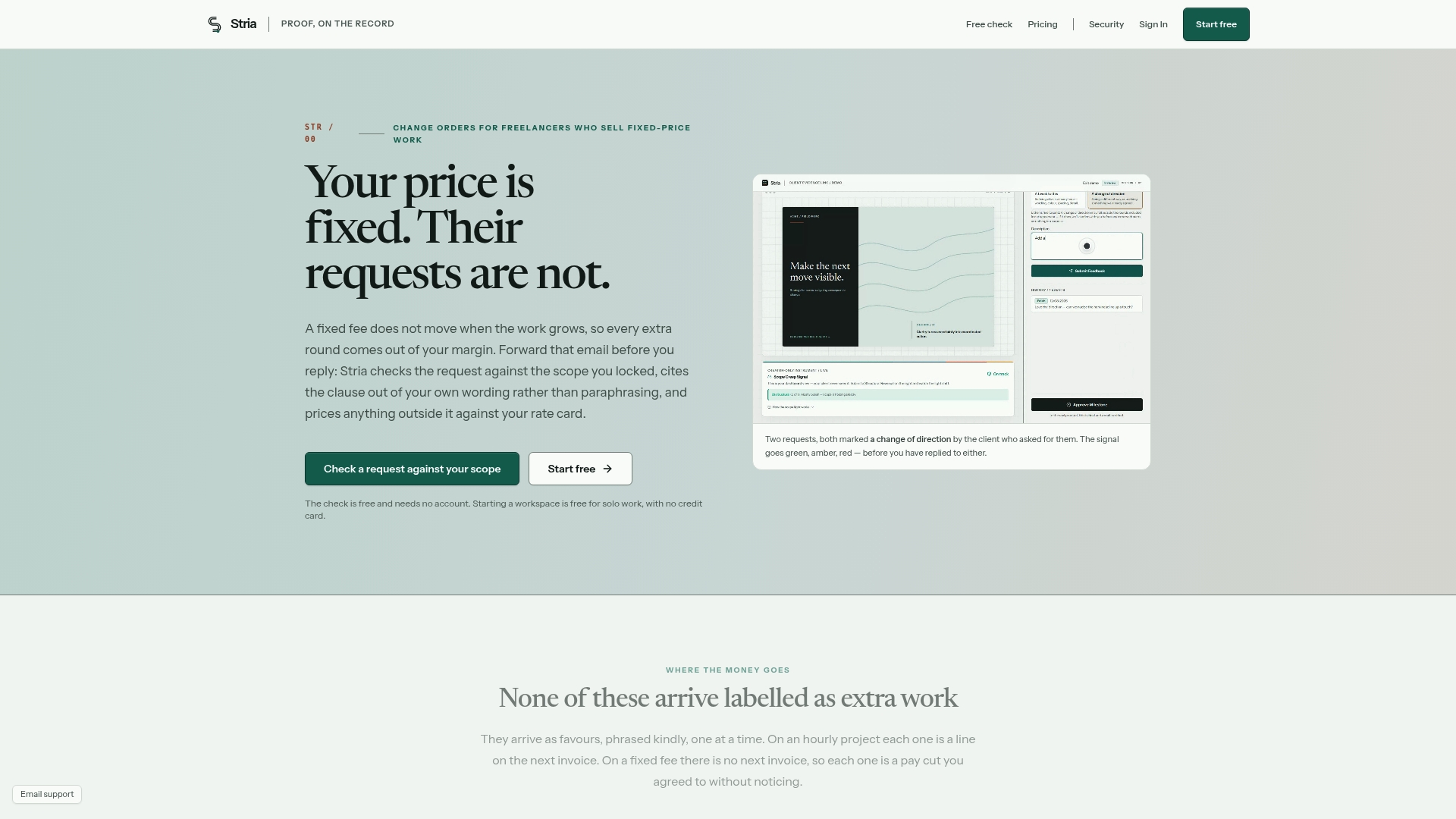
Freelancers and small studios running fixed-price work lose the most money in the gap between a client's casual ask and a documented change order. Certain tools close that gap by letting you forward the client's email or message, checking it automatically against your locked scope and rate card, and generating a signed change order without you writing a single form by hand. These solutions are designed for freelancers, studios, and agencies who need every extra request priced and signed before the work starts, not after the invoice is disputed. Check the plans and pricing to see which tier fits your project volume.
Sources
- Scope change control | PMI
- Claim reduction: addressing changes in scope, schedule, and budget | ASCE
- Acquisition
FAQ
Can you give me some examples of change requests?
A minor change might be one extra round of copy edits billed at a few hours. A major change might be adding a new platform build with several added weeks and thousands in additional cost. Each example should include a one-sentence description plus its schedule and cost impact.
What is a scope change in a project?
A scope change is any addition, removal, or modification to the agreed deliverables, timeline, or cost of a project after the contract or SOW was signed. It needs a documented request, an impact analysis, and an approval before the extra work begins.
Is there an Excel template for change management?
Yes, Excel or Google Sheets works well once you're tracking multiple change requests across a project, since you can sort and filter by status or date. The same core fields apply: requestor, description, impacts, funding source, and approval.
What is the standard format for a scope of work template?
A standard SOW includes a project overview, objectives, detailed activities, exclusions, assumptions and dependencies, a change control process, and a sign-off section, according to Atlassian's SOW guide. The change control section is what your scope change template should reference directly.